Blog - The latest articles and news
Stay up-to-date with the latest industry news as our marketing teams finds new ways to re-purpose old CSS tricks articles.
Stay up-to-date with the latest industry news as our marketing teams finds new ways to re-purpose old CSS tricks articles.
by Kingdom Kode Team, Digital Innovation

You built a website. It has your services, your hours, your phone number. And it's still invisible on Google.
Here's the uncomfortable truth: your site "existing" and Google understanding it are two different things. Schema markup for local business is the layer that translates your website into a language search engines actually read. Skip it, and Google is left guessing about what you do, when you're open, and how someone books you — and it guesses wrong, in front of the exact customers you want.
That gap is quiet. No error message. No warning. Just fewer calls than you should be getting, and competitors ranking above you who aren't better — they're just readable.
Strip the jargon. Schema markup is a small block of code that sits on your page and labels your information for machines.

A human sees "Open until 8pm." Google, without schema, sees a string of text it has to interpret. With schema, it sees a labeled field: openingHours: 20:00. No guessing.
Think of it like a nutrition label. The food is the same either way, but the label tells the buyer exactly what's inside in a format they trust instantly. Schema is the nutrition label for your business.
When it's missing, Google falls back to scraping and assuming. Sometimes it pulls your hours from a five-year-old directory. Sometimes it shows a competitor's booking link in your Maps panel. Sometimes it just... doesn't show you at all.
If you run a service business, these four do the heavy lifting:
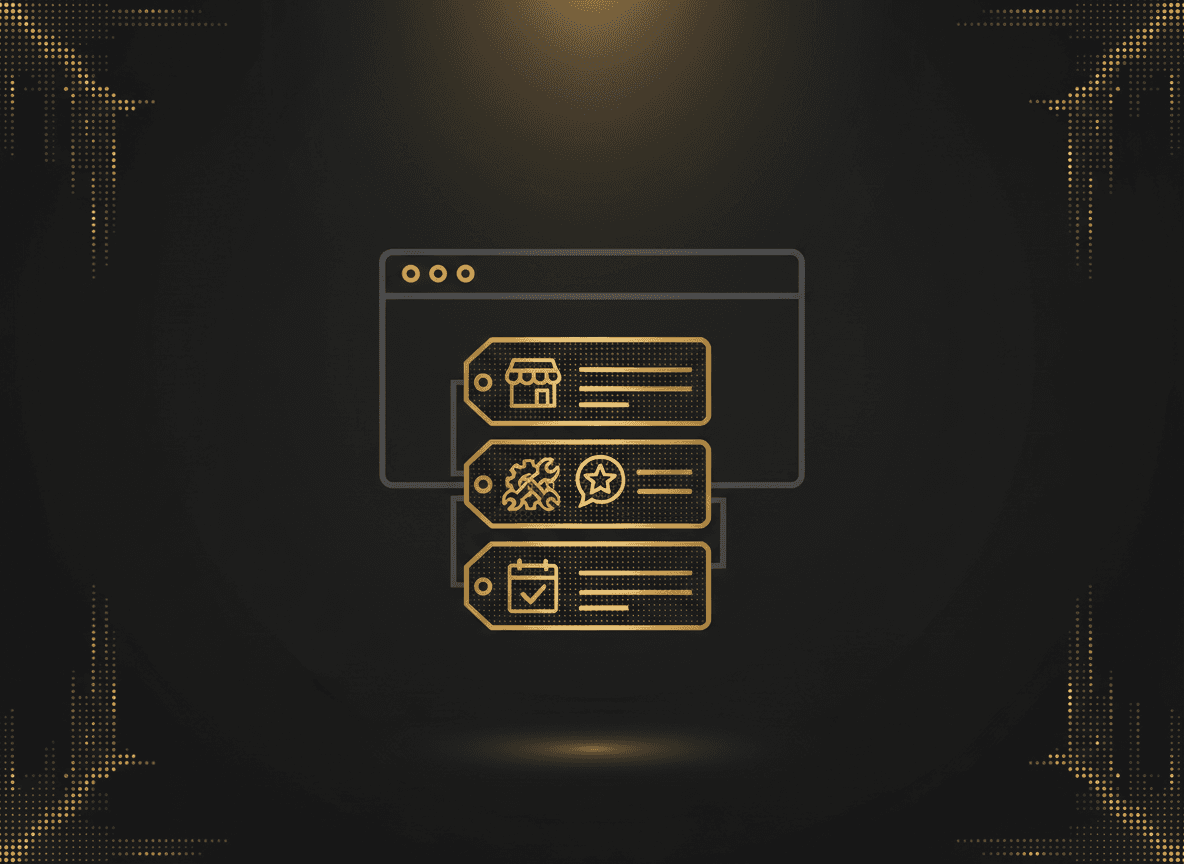
1. LocalBusiness — Your name, address, phone, hours, service area, price range. This is what feeds your Google Business panel and the "open now" logic. Missing it means Google is stitching your identity together from scraps.
2. Service — What you actually sell. A barbershop has "skin fade," "beard trim," "hot towel shave." Without Service schema, Google sees a wall of text and can't confidently match you to "beard trim near me."
3. Review / AggregateRating — Those gold stars under a search result. That's not decoration — it's Review schema. No markup, no stars, and no stars means a plain blue link sitting next to competitors wearing 4.9 ⭐ (312).
4. Booking / Reservation — The schema that tells Google you can be booked and where. This is what powers "Book" buttons directly in search. Miss it and you force every customer to click through, hunt for your booking page, and hope it works on mobile.
Most sites have zero of the four. Some builders auto-add a broken fragment. Almost none have all four done right.
Schema tells Google what you are. Meta titles and descriptions tell the human whether to click.
Open your homepage source and look at the title tag. If it says "Home" or "Untitled" or just your business name, you're leaking clicks. That title is the headline of your search result — the single biggest lever on click-through.
Compare these:
Home | Mike's ShopBarber in Austin — Skin Fades & Beard Trims | Book Online TodaySame business. One gets scrolled past. One gets the click. The description below it is your ad copy — 155 characters to sell the click. Most local sites leave it blank and let Google grab a random sentence from the footer.
Picture two barbershops, both doing solid work, both around $30k/mo.
Shop A shows up as a plain text link. No stars. No hours. No book button. The searcher has no reason to trust it over the three results around it.
Shop B shows up with a 4.8-star rating, 200+ reviews, "Open until 8pm," a price range, and a Book button right in the result. The searcher barely has to think.
Same ranking position. Wildly different click-through. And in local search, clicks aren't traffic — they're humans with cash ready to book.
Run the chain of events. Missing schema means fewer rich results. Fewer rich results means lower click-through. Lower click-through tells Google your result is less relevant, which drops your ranking, which cuts impressions. Then the weak meta title fails to convert the few clicks you do get. And if there's no booking schema, the customers who do land on you have to work to give you money.
Every step compounds. You don't lose one booking — you lose the same booking every single day, silently, while you assume the problem is "marketing."
It's not marketing. It's translation. Google can't sell what it can't read.
Here's the honest part: schema and meta tags are not the whole game. They're the foundation the rest of your visibility sits on. Getting them right is table stakes — and most of your competitors haven't paid it.
At Kingdom Kode we treat this as part of the full Revenue Engine build — the site, the booking flow, the structured data, and the meta layer working as one system so the traffic you earn actually converts into booked, paid appointments. Not a plugin bolted on. The whole path from search result to confirmed booking, engineered on purpose.
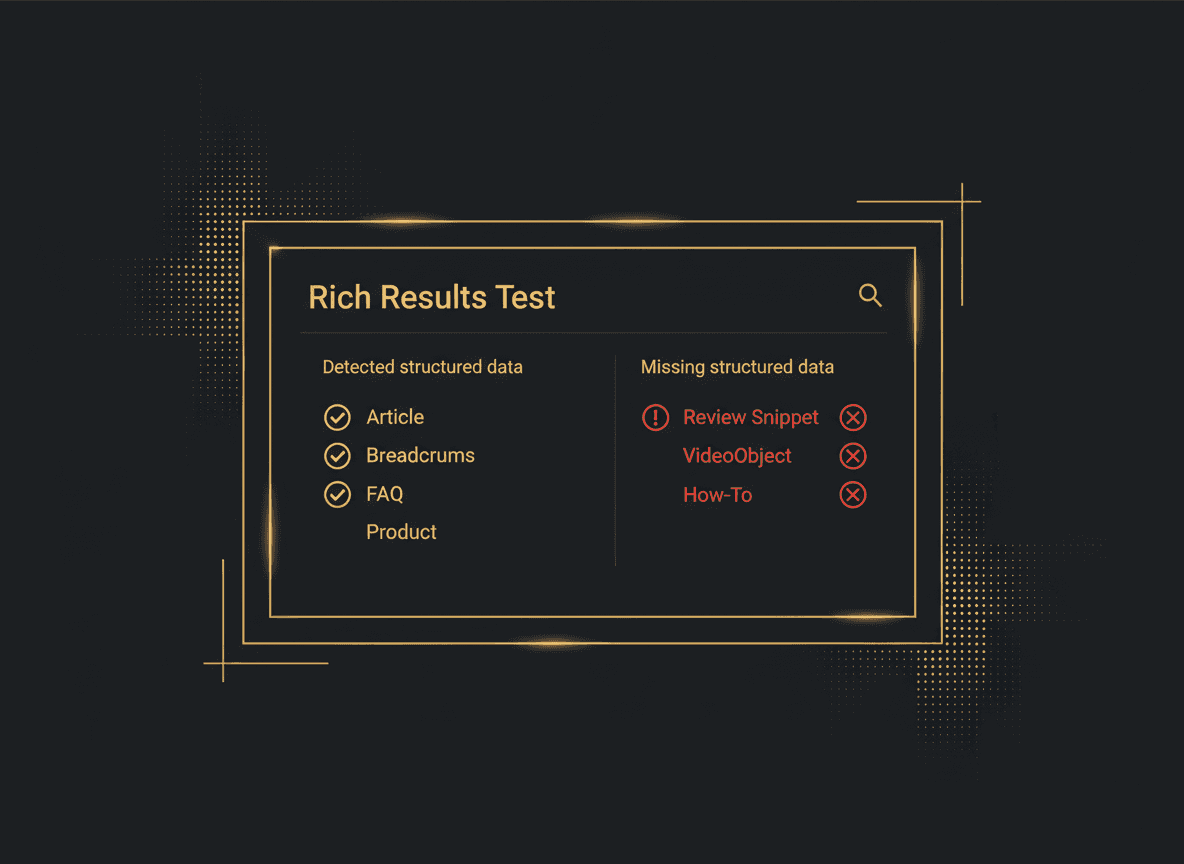
You can start diagnosing this yourself today: view your page source, check your title tags, and paste your URL into Google's Rich Results Test to see which schema Google can actually find.
Stop guessing about why you're invisible. Run your free Revenue Code Diagnostic and we'll show you the exact schema, meta, and booking gaps costing you visibility and bookings right now — in plain English, with the fixes prioritized.
Want more breakdowns like this? Browse the blog, or get in touch if you'd rather just have it built right.
Most SaaS founders treat the free trial as a waiting room. The ones converting at 25% or higher treat it as a structured sales system. Here is how to build that system.
Read moreA product roadmap tells you what you are building. A revenue engine tells you whether it is making money. Most SaaS founders only have one of these, and it is the wrong one.
Read more